The Sticker on the Parking Meter Is the Attack: How to Spot a Quishing Scam
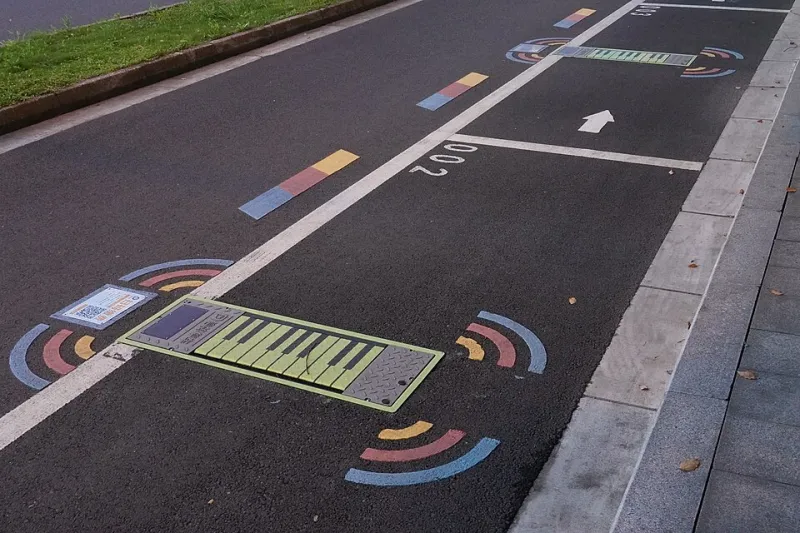
Photo: Henrysz, CC BY 4.0, via Wikimedia Commons
You are double-parked outside a coffee shop, the meter is blinking, and there is a QR code slapped on the front with a cheerful little note: Scan to pay. You do. The page looks like a city payment portal. It asks for your card, your ZIP code, maybe your plate number. You pay. Later, your card gets flagged for a $2 charge you do not recognize. That is the quishing scam in miniature.
Quishing is phishing with a QR code. Instead of a fake link in an email, the attacker puts a fake code where you already expect one: a parking meter, a package notice, a restaurant table tent, a utility shutoff warning. The code is just a link you cannot read. That is the whole trick.
Why the scam works so well
A URL printed on a sticker is invisible to your normal defenses. You cannot hover over it. Your email spam filter never sees it. The code sits on a piece of city infrastructure, so it inherits a little authority. And most phone cameras now show a preview link, but plenty of people tap through without reading it.
Scammers do not need to break encryption. They need you to type a card number into a page they control. They can also harvest login credentials by sending you to a fake city portal or a fake delivery company sign-in. In some cases, a QR code can point to an app download page outside the official app store, which is a much worse path. Treat any code that pushes an app install with suspicion.
The ten-second physical inspection
Before you scan anything in public, look at the code itself. A legitimate parking meter usually has its payment instructions printed or engraved by the manufacturer. A sticker placed over that panel, especially one with a slightly different color, a crooked edge, or a laminated sheen, is a warning. Look for bubbles, peeling corners, or a code pasted on top of the city seal.
Ask yourself whether the code belongs there. A meter that already accepts cards does not suddenly need a QR sticker. A package notice from a major carrier usually directs you to the carrier's official app or website, not to a random short link. A restaurant menu taped to a table is easy to replace. If the code is on a flimsy card that anyone could have dropped there, verify with a human before you scan.
Read the link before you tap
On iPhone, point the camera at the code but do not open it immediately. A banner appears with the destination. On Android, the camera or Google Lens will show a link preview. Read the domain from right to left. The important part is the part just before the first single slash. Cityofexample.gov is not the same as cityofexample.safe-pay.xyz.
Red flags include URL shorteners, random strings, misspellings, hyphens jammed into a city name, and domains ending in .top, .xyz, or .click. A payment page that asks for your card number, expiration, CVV, and also your Social Security number or online banking password is not a parking meter. A page that asks you to install a profile or download an app from a pop-up is also a hard stop.
Use the payment path you already trust
If the meter takes cards, use the card slot. If your city has an official parking app, open the app and pay through the account you already set up. If you are not sure, call the number printed on the meter by the city, not the number on the sticker. For packages, open the carrier's official app and type the tracking number. For restaurant menus, ask for a paper menu or check the restaurant's own website.
When you do pay online, use a virtual card number or a mobile wallet if your bank offers it. Apple Pay and Google Pay send a token instead of your real card number, which limits the damage if the page is fake. A password manager can also help: if it does not recognize the domain, it will not autofill your credentials. That silence is a useful signal.
If you already scanned the code
Stop before you enter anything. Close the page. If you entered card details, call the number on the back of your card, explain what happened, and ask for a replacement. If you entered a password, change it from a different device and turn on two-factor authentication. If you downloaded an app or installed a profile, remove it and run a security scan. Report the fake code to the city, the business, or the property manager. A photo of the sticker helps.
The bigger habit is simpler: treat every physical QR code as an untrusted link until you can see where it goes. The meter is not the authority. The link is.