The Rolling Data Center in Your Driveway: 5 Car Settings Worth Changing This Weekend
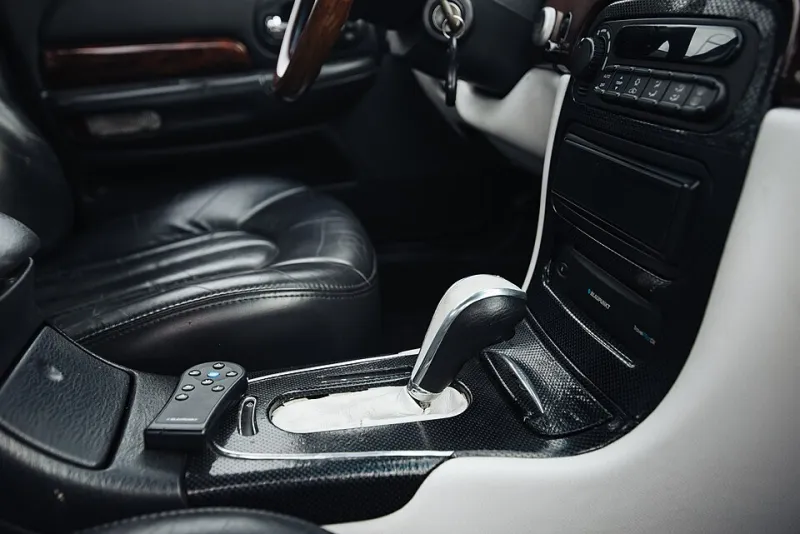
Photo: Shixart1985, CC BY 2.0, via Wikimedia Commons
Your car knows more about you than your best friend does. It knows where you live, where you work, how hard you brake on the way to the grocery store, and whether you were speeding past that speed trap on I-95 last Tuesday. And depending on what you clicked (or didn't click) in the touchscreen when you first started the engine, it might be sharing all of that.
Modern vehicles are essentially smartphones with cup holders — loaded with cellular modems, GPS, microphones, and cameras. A 2023 report from the Mozilla Foundation found that cars were the worst product category it had ever evaluated for privacy, and that's saying something. The good news? You have more control than you think. Here are five things to change before your next road trip.
1. Turn Off Data Sharing in the Infotainment Menu
Buried somewhere in your car's settings — usually under "Privacy," "Data," or "Connectivity" — is a master switch for telematics data collection. Manufacturers like Ford, Toyota, GM, and Hyundai all collect driving behavior data, and some have historically shared it with insurance analytics brokers who sell driving scores to insurers.
The exact menu location varies by brand, so plan on ten minutes with your owner's manual or the manufacturer's app. Look for options like "Vehicle Data Sharing," "Connected Services," or "Data Analytics" and flip them off. If your car came with a companion app, check its privacy settings too — app-based consent is often separate from in-car consent, and unchecking one doesn't uncheck the other.
2. Disconnect the Cellular Connection (If You Can)
Many vehicles stay connected to the manufacturer's network even when you're not paying for a subscription service. If you don't use features like remote start, stolen vehicle tracking, or over-the-air updates, you may be able to disable the telematics unit entirely — sometimes through settings, sometimes by asking the dealer.
Fair warning: this is a trade-off. You'll lose convenience features and possibly emergency services like automatic crash notification. If you're not ready to go full airplane mode, at least unpair your phone's contacts and messages from the infotainment system, and clear stored navigation history regularly.
3. Wipe Paired Phones Before You Sell or Return a Lease
This one gets people every time. When you pair your phone over Bluetooth, your car often downloads your contact list, call history, text messages, and even saved Wi-Fi passwords. Return a lease with that data intact and the next driver — or the dealership — has your entire social circle in their lap.
Before handing over the keys, do a factory reset on the infotainment system or manually delete your phone profile. It takes two minutes and it's the car equivalent of logging out of your accounts before selling a laptop.
4. Tame the Driver-Assistance Defaults
Privacy aside, there are safety settings worth reviewing too. Lane-keeping assist, automatic emergency braking, and speed limit warnings all ship with manufacturer defaults that may not match how you actually drive. Some systems nag you constantly; others intervene more aggressively than you'd like.
Spend a few minutes in the driver-assistance menu and decide what you actually want. Some alerts — like forward collision warnings — are worth keeping at full sensitivity. Others, like the persistent speed camera chime or lane departure nudge on rough country roads, might drive you crazy. There's no wrong answer, but there is a right answer for you, and it's probably not the factory default.
5. Request Your Driving Data Report
Here's something most drivers don't know: you can ask manufacturers what they've collected. Under various state privacy laws — including California's CCPA — and through voluntary programs, many automakers will send you a report of the data tied to your vehicle, sometimes including driving scores and trip histories.
Start with your manufacturer's privacy page or the privacy contact listed in their privacy policy. Requests like "please provide all personal data associated with my vehicle" typically get processed within 30 to 45 days. What comes back can be eye-opening — some owners have found trip logs going back years.
If you're shopping for insurance, it's also worth checking whether your driving data has been shared with analytics firms. Companies like LexisNexis and Verisk let you request a "consumer disclosure report" for free, and you might find driving scores generated from your car's telematics without your clear knowledge.
The Bottom Line
Nobody's suggesting you ditch your car for a horse. The connected features in modern vehicles are genuinely useful — automatic crash response has saved real lives. But there's a difference between a car that helps you and a car that reports on you. Twenty minutes with the settings menu, one factory reset before a lease return, and a data request or two will put you back in the driver's seat — where you belong.