Skip the Cloud, Keep the Convenience: Building a Smart Home That Costs Nothing to Run

Photo: Internet Archive Book Images, No restrictions, via Wikimedia Commons
There's a quiet irony in most smart homes: the devices you buy to make life easier are also the devices quietly shipping details about your comings and goings to a server farm somewhere. And if that weren't enough, plenty of them want a subscription on top of it. Ring wants $10 a month to save your doorbell footage. Some thermostat ecosystems now charge for "premium" features that used to be standard.
Here's the good news: you don't have to play that game. With a Raspberry Pi or an old laptop, some free software, and a weekend, you can build a smart home that never phones home — and never asks for your credit card again.
Why Local-First Beats Cloud-First
When your smart devices talk to the cloud, three things happen. Your commands take a detour (usually adding a second or two of lag), your habits become someone's dataset, and your whole setup dies the moment the manufacturer decides to shut down their servers. Remember when Revolv smart home hubs became expensive paperweights overnight? That's the cloud dependency tax.
Local-first flips all of that. Your devices talk to a hub inside your house. Automations run instantly, even if your internet goes down. And the only one who knows you left the porch light on at 2 a.m. is you.
Step 1: Pick Your Brain — Home Assistant
The centerpiece of a free smart home is Home Assistant, an open-source platform that runs on a Raspberry Pi 4 or 5, an old laptop, or even a mini PC you can grab for under $100. It connects to thousands of devices — smart plugs, bulbs, sensors, thermostats — and lets you build automations that would cost real money on subscription platforms.
Installation is genuinely beginner-friendly now. Download the image, flash it to a microSD card with a tool like Raspberry Pi Imager, boot the Pi, and follow the setup wizard from your browser. An hour in, you'll have a dashboard that looks like it was designed by a professional, because it kind of was — by a community of them.
Step 2: Choose Devices That Play Nice
This is where most people get tripped up. Not every gadget works locally. Before buying anything, check whether it supports Zigbee or Z-Wave — two wireless standards designed for smart home gear that don't require the cloud at all.
A $30 Zigbee USB dongle plugged into your Home Assistant box becomes the translator for all your Zigbee devices. From there, brands like Sonoff, Third Reality, and IKEA's Tradfri line offer genuinely cheap plugs, bulbs, and sensors that work entirely offline. A smart plug runs about $10. A motion sensor, $15. Compare that to the subscription-tied alternatives and the math gets embarrassing for the big guys.
Already own cloud-dependent gear? Check the Home Assistant integrations list first. Many popular devices — including some Roombas and Ecobee thermostats — can be pulled into local control with varying degrees of success.
Step 3: Open-Source Firmware for the Gear You Have
If you've got Wi-Fi smart plugs and bulbs already, don't toss them. Tools like Tasmota and ESPHome let you replace the factory firmware on many devices, turning a chatty cloud gadget into a quiet local one. Tasmota has a web-based flasher that handles popular plug models in a few clicks — no soldering, no command line required for the common cases.
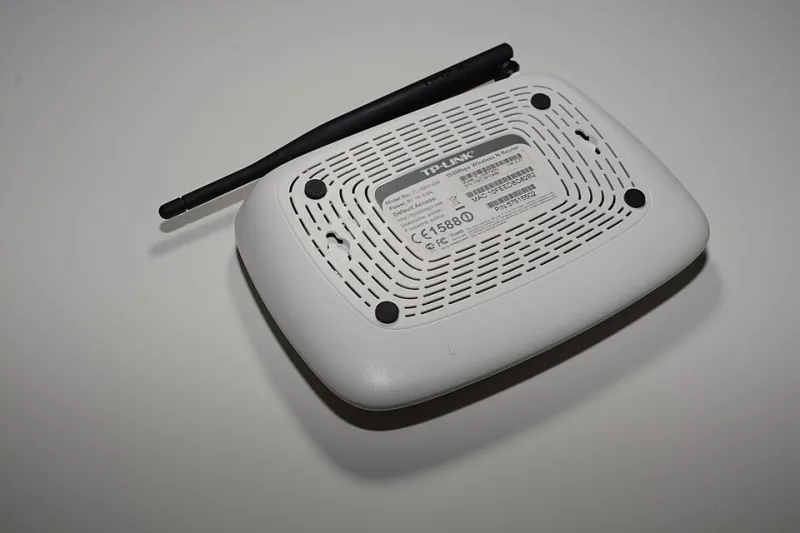
Routers count too. OpenWrt, the open-source router firmware we've covered before, strips the telemetry out of your network's front door and gives you fine-grained control over what your devices can even reach.
Step 4: Voice Control Without the Microphone in the Ceiling
"But I want to yell at my house," you say. Fair. The good news is local voice assistants have gotten shockingly good. Home Assistant's built-in Assist feature pairs with a small voice satellite — the Home Assistant Voice Preview Edition device, or a repurposed spare — and processes your commands on your own hardware. It won't match Alexa's polish for obscure requests, but for "turn off the living room lights" and "set the thermostat to 70," it's all you need, and nobody's transcript leaves your house.
Step 5: Cameras Without the Monthly Fee
Security cameras are where subscriptions bite hardest. Frigate, an open-source NVR that runs alongside Home Assistant, turns any cheap PoE or USB camera into a full local surveillance system with on-device person detection. Pair it with a couple of $40 wired cameras and you've got doorbell-to-backyard coverage with zero recurring costs and footage that stays on your drive.
The Weekend Game Plan
- Saturday morning: Flash Home Assistant onto a Pi, run the setup wizard
- Saturday afternoon: Plug in a Zigbee dongle, pair your first devices
- Sunday morning: Build two or three automations — lights at sunset, a motion-triggered hallway light
- Sunday afternoon: Add Frigate or Assist if you're feeling ambitious
Total spend: $80–$150 in hardware, once. Monthly cost after that: nothing. Data leaving your house: none.
You'll spend a little more time tinkering than you would unboxing an Echo, sure. But you'll end up with a home that works faster, costs less, and keeps its opinions about your 3 a.m. snack runs to itself. That's a trade worth making.