Grab a Coffee and Audit Your Digital Life: The Free 45-Minute Security Checkup

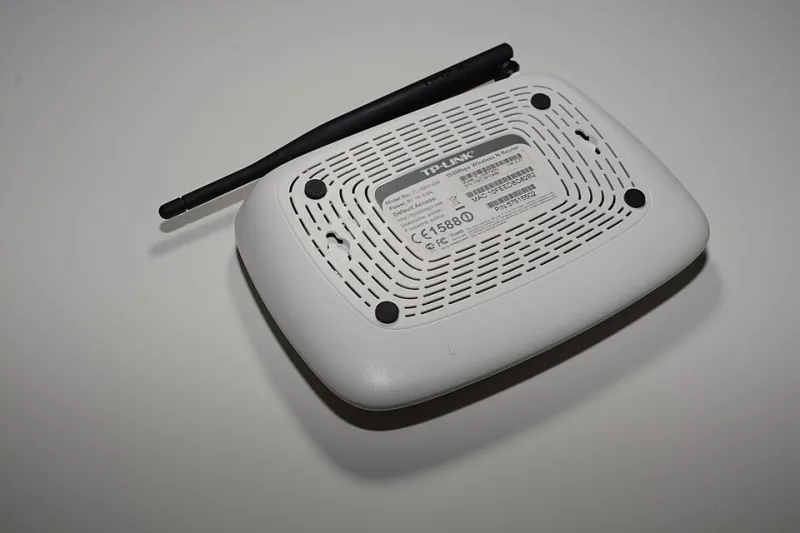
Photo: www.Pixel.la Free Stock Photos, CC0, via Wikimedia Commons
Most people treat home cybersecurity like smoke detectors: they assume everything's fine until the alarm goes off. The good news? A genuinely useful security checkup doesn't cost a dime, and it doesn't require an all-day commitment. Forty-five focused minutes, one weekend afternoon, and a little honesty with yourself will surface most of the gaps an attacker would love to find.
Here's the full walkthrough. Bookmark it, put it on your calendar once a quarter, and treat it like changing the batteries in that smoke detector.
Step 1: Find Out Which of Your Emails Are Already Out There (10 minutes)
Start with the uncomfortable part first. Head to Have I Been Pwned (haveibeenpwned.com), a free breach database run by security researcher Troy Hunt. Type in each email address you actively use — personal, work, and that old one you still get utilities bills at.
The site will show you every known data breach where your address appeared. Don't panic when the list is longer than you expected; nearly everyone's is. What matters is the follow-up:
- Note which passwords were involved. If a breach exposed a password you still use anywhere, change it immediately — starting with your email and banking accounts.
- Check for credential stuffing risk. If your Netflix password from 2019 leaked and you reused it on Amazon, you have a problem that needs fixing today.
- Consider a delete request. For services you no longer use, this is your cue to close the account entirely rather than leave dormant data sitting on their servers.
Step 2: Audit Your Password Manager Coverage (10 minutes)
If you use a password manager — Bitwarden, 1Password, even the one built into your browser — open it and look at the big picture. Most managers include a built-in security report or "password health" dashboard that flags three things: weak passwords, reused passwords, and old passwords.
Your priority order should be:
- Reused passwords on financial or email accounts — these cause the most damage when cracked.
- Anything still stored in your browser's plain-text list that you haven't moved over yet.
- Logins for accounts you forgot existed. Delete what you don't need.
If you don't use a password manager yet, this is the moment to fix that. Bitwarden's free tier covers unlimited passwords across unlimited devices, which makes the "I'll get to it someday" excuse pretty hard to defend.
Step 3: Revoke the Apps You Forgot You Connected (10 minutes)
Remember signing in with Google to that recipe site in 2021? It probably still has access to your account. Over the years, these connected apps accumulate like junk drawers, and each one is a small liability — if the app gets breached, your account can be too.
Check each of the big three:
- Google: myaccount.google.com → Security → Third-party access
- Apple: appleid.apple.com → Sign-In and Security
- Facebook: Settings → Apps and Websites
Go through the list ruthlessly. If you don't recognize it or haven't used it in six months, revoke it. While you're in there, review what data each app can see — some ask for far more than they need.
Step 4: Verify Your Recovery Options (10 minutes)
This step is the one that saves you after something goes wrong. A locked account with no working recovery path can take weeks to untangle — and for some accounts, it's simply gone.
For your email, bank, and phone carrier accounts, confirm:
- A current phone number — especially one you still control. If you switched carriers or got a new number last year, old recovery info may point to someone else's phone now.
- A backup email you actually check.
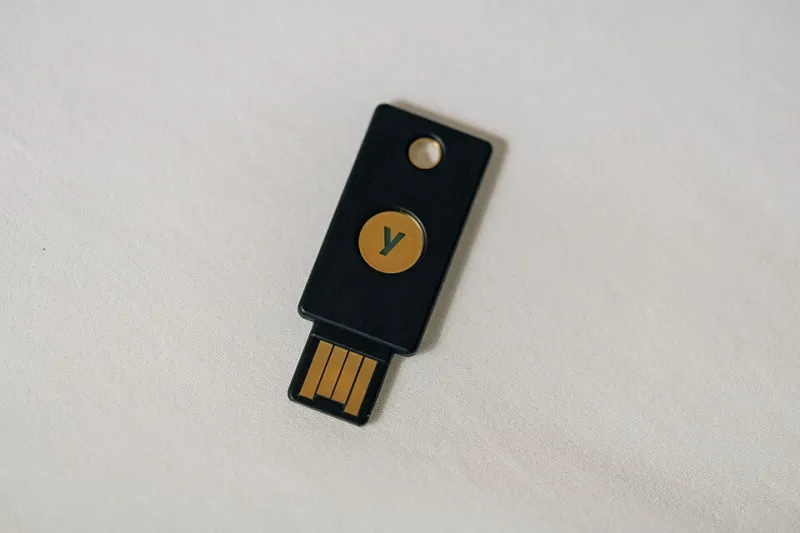
- Physical or app-based two-factor codes. If your 2FA relies solely on text messages, consider moving your most sensitive accounts to an authenticator app or a hardware key — SMS codes are the easiest for attackers to intercept through SIM swapping.
- Downloaded backup codes. Print them or store them somewhere that isn't the account itself.
Step 5: The Five-Minute Sweep
Use whatever time is left for quick wins:
- Update your phone's OS and any apps showing pending updates.
- Check that your devices auto-lock after a short idle period.
- Skim your email forwarding rules — attackers who compromise an account sometimes set up silent forwarding to siphon messages.
- If you have a spare moment, glance at your router admin page and confirm the firmware is current.
Make It a Habit, Not a Heroic Effort
The magic of this routine isn't any single step — it's that all of them together cost nothing and take less time than an episode of your favorite show. Put a recurring reminder on your calendar for the first Sunday of each quarter, pour yourself a cup of coffee, and run the list.
You'll never be able to make yourself unhackable. But you can make yourself a dramatically harder target than the person next door — and for 45 minutes and zero dollars, that's about the best deal in tech.