The Little USB Stick That Beats Every Authenticator App
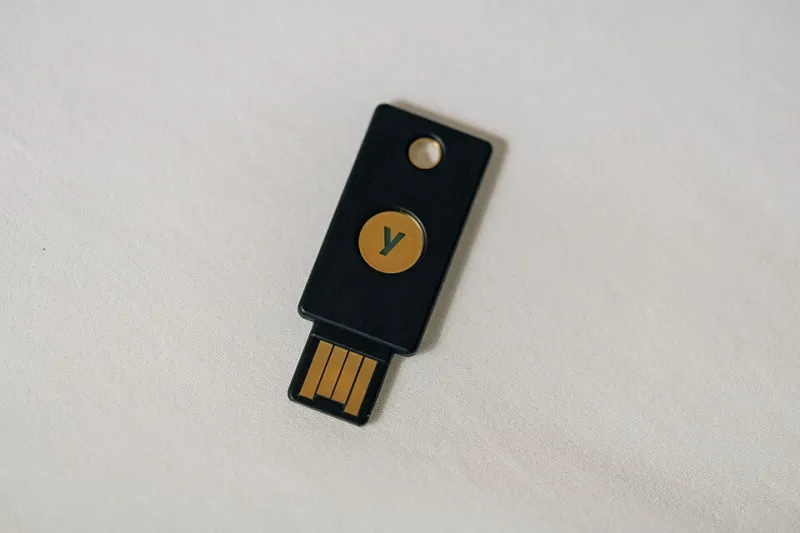
Photo: Tony Webster from Minneapolis, Minnesota, United States, CC BY 2.0, via Wikimedia Commons
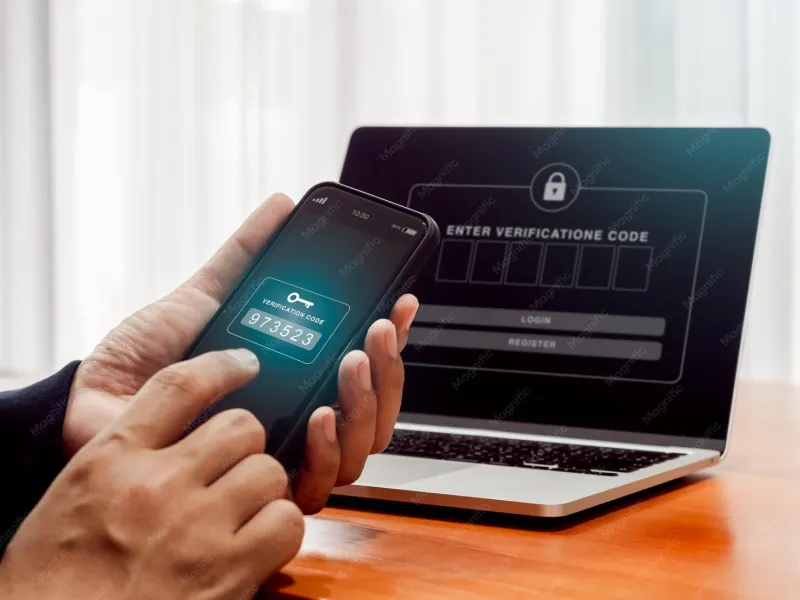
Most of us eventually got talked into an authenticator app. Scan the QR code, type in the six digits, feel vaguely responsible. It works. But there's a tier above it that almost nobody outside of IT departments talks about: the hardware security key — a small USB dongle, often the size of a car key fob, that handles your two-factor logins for you.
If you've ever squinted at your phone in a dim restaurant trying to read a rotating code, this is the upgrade that makes that ritual disappear. And unlike app-based 2FA, it stops the kind of attacks that are getting scarily common.
What a Security Key Actually Does
A key like a YubiKey or a Google Titan is a tiny cryptographic device. When you log into a supported site, the site challenges the key, the key signs that challenge with a secret that never leaves the hardware, and you tap a button to prove you're physically present.
The important word there is phishing-proof. Authenticator apps can be socially engineered out of you — attackers run fake login pages, capture your one-time code in real time, and use it before it expires. A hardware key cryptographically ties itself to the real website's address. A lookalike domain gets nothing. The key literally refuses to authenticate to a fake site.
Most modern keys support FIDO2/WebAuthn (the standard behind "passkeys") plus older protocols like FIDO U2F, so they work with Google, Microsoft, Apple ID, GitHub, Facebook, PayPal, and a long list of banks and password managers.
Why It Beats the App on Your Phone
Three practical reasons:
- You can't be tricked into giving it up. The whole point of modern phishing is harvesting codes. A key doesn't have a code to harvest.
- No battery, no signal, no problem. It works on a plane, in a dead zone, on a laptop with no cell service.
- It's faster. Plug in (or tap NFC on a laptop or phone), press the gold button, done. No opening an app, no typing digits.
The Setup: Under an Hour, Honestly
Here's the realistic workflow for a Google or Microsoft account:
- Buy two keys (more on that in a second). Popular choices are the YubiKey 5 Series (
$25–60 depending on connector) or Google's Titan key ($30). - Go to your account's security settings and find Two-Step Verification or Security Keys.
- Plug the first key into a USB port, follow the prompts, tap the button when it blinks, and give it a name like "Desk key."
- Enroll the second key the same way and stash it somewhere safe — a drawer, a safe, a parent's house.
- Repeat for your other important accounts: email first (it's the master key to everything else), then your password manager, then banking.
Budget about 45 minutes for your top three accounts, most of it just navigating settings menus.
Why two keys? Because keys get lost. Which brings us to the question everyone asks.
What Happens When You Lose It
This is the part that scares people off, so let's be blunt: losing your only key without a backup is a bad day. You'd have to go through each service's account recovery process — identity verification, waiting periods, and in some cases, no recovery at all.
That's why the standard advice is:
- Enroll two keys minimum. One on your keychain, one in a drawer at home.
- Keep app-based 2FA as a fallback on the same accounts. You don't have to choose one method; sites let you stack them.
- Print your recovery codes when a service offers them and store them with important documents.
With that setup, a lost key is a five-minute annoyance, not a crisis. You log in with the backup, remove the missing key from your account, order a replacement, done.
The Cost Math
Let's price this out like a normal person:
- Two mid-range keys: roughly $50–70 total, one-time.
- Compare that to what a single compromised email account can cost — stolen tax refund filings, drained PayPal balances, hijacked crypto or brokerage logins. The FTC received fraud reports totaling billions annually, and account takeover is a huge slice of it.
There's no subscription, no renewal, nothing to update. A key sitting in a drawer for five years still works when you pull it out. For the level of protection, it's one of the cheapest security upgrades you can buy.
Who Should Bother
If your email is your digital life — password resets, banking, tax documents, everything — you're the target audience. It's also a genuinely thoughtful gift for a parent who keeps getting "unusual sign-in" alerts, or anyone in your life who's been burned by a hack before.
Authenticator apps are a solid baseline, and if you're still on SMS codes, upgrading to anything app-based is the urgent move. But once you've tapped a key and watched a login finish in two seconds, the app starts to feel like the compromise it always was. One small piece of plastic on your keyring, and the most common way accounts get stolen stops working entirely.